
Samsung repair preparation
Samsung Maintenance Mode: preparing for a repair in Calgary
Learn what Maintenance Mode does, why a backup still matters and what to confirm before dropping off your Galaxy.
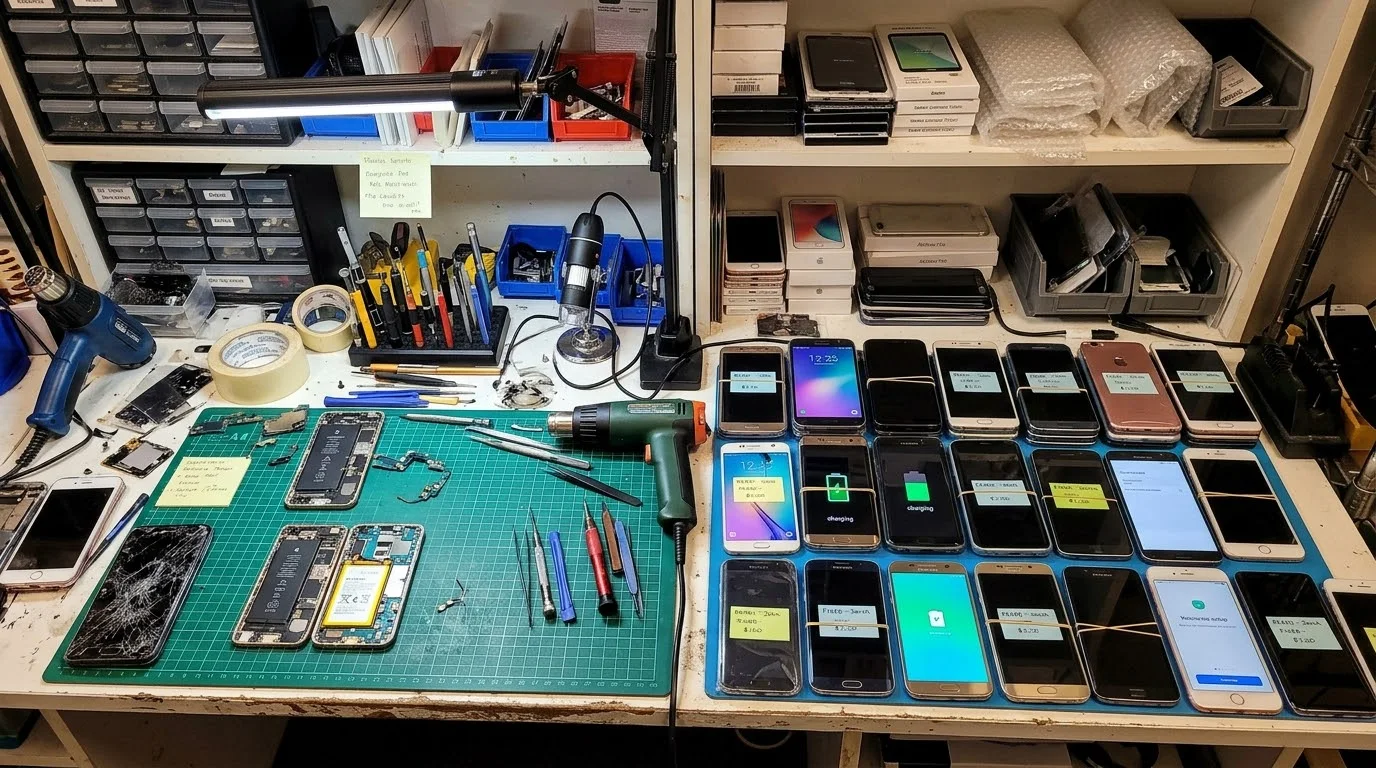
Before handing over a Samsung Galaxy for repair, think about both the repair and your personal information. Maintenance Mode can help separate a technician’s testing environment from your everyday account on supported devices.
Check availability and back up Samsung describes Maintenance Mode for devices running One UI 5 or later, with availability and menus depending on software and carrier. It creates a separate profile that hides personal information such as photos, contacts and messages.
Make a backup first. Samsung cautions that some repairs can involve a reset or memory replacement, so the mode is not a substitute for a recoverable copy of your data. Check that you can access important files from the backup rather than assuming a backup setting means everything is saved.
Find the mode on your device On supported versions, Samsung directs users to Settings, Battery and device care, then Maintenance mode. It may also be available through the Samsung Members support area. Follow the prompts and keep your own lock-screen credentials private.
If the display is unusable or the option is missing, do not keep experimenting with resets. Tell the repair shop you could not enable the mode.
Agree on testing before drop-off Ask whether the mode supports the tests needed for your particular fault. Explain problems that appear only in a specific app and discuss a privacy-conscious way to demonstrate them. Avoid putting account passwords in a booking message.
Phone Repair is an independent shop in Beltline at 224B 13 Ave SW, Calgary. Request a Samsung repair quote with the model and fault, or call 368-996-8990. Mention any backup or privacy concerns before approving work.