
After your repair
Picking up your repaired phone: a practical Calgary checklist
Check the agreed repair, understand your receipt and save your warranty details before heading home.
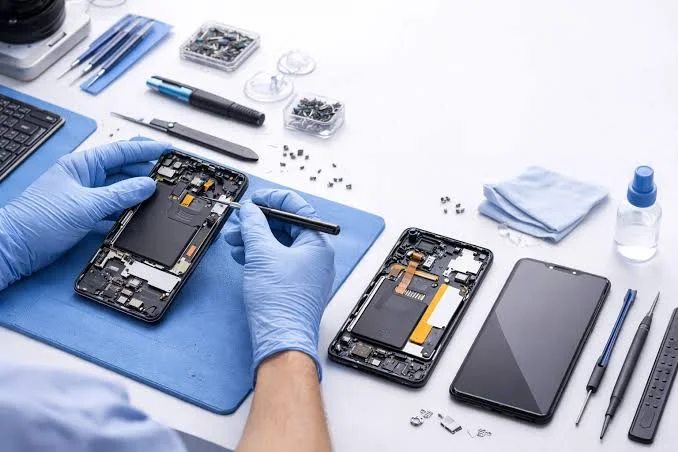
Collecting a repaired phone is a good time to confirm that the original problem has been addressed and that you understand the work completed. A short pickup checklist makes it easier to raise questions while the repair details are fresh.
Review the work you approved Ask which component was repaired or replaced and compare it with the quote. Check the final amount, applicable taxes and any additional work you separately authorized. Keep a receipt with the repair date and a description of the service. If a part type was agreed in advance, make sure the paperwork is clear about it.
Check the original problem For a screen repair, try ordinary typing, scrolling and brightness adjustment. For a charging repair, ask to see a compatible cable connect and charge. For an audio issue, repeat the same type of call or recording that previously failed. These are practical checks, not a guarantee against every future fault.
Check features that matter to you, such as the camera, buttons or supported biometric unlock, and ask about any known limitations discussed before the work. Do not share account passwords just to demonstrate a feature; operate your own device where possible.
Understand aftercare Ask when normal use can resume and whether there are model-specific instructions for the repair. Do not assume opening and repairing a phone guarantees its previous water resistance. Follow the technician's advice rather than testing the device with water.
Phone Repair offers a 90-day warranty on covered replacement parts and workmanship, subject to the warranty terms. Ask what is covered, when coverage starts and how accidental or liquid damage affects a claim. Keep the repair reference for follow-up.