
Repair preparation
Before a phone repair in Calgary: backups, privacy and your visit
A practical checklist before an iPhone or Google Pixel repair: back up your data, protect account access and confirm your repair request.
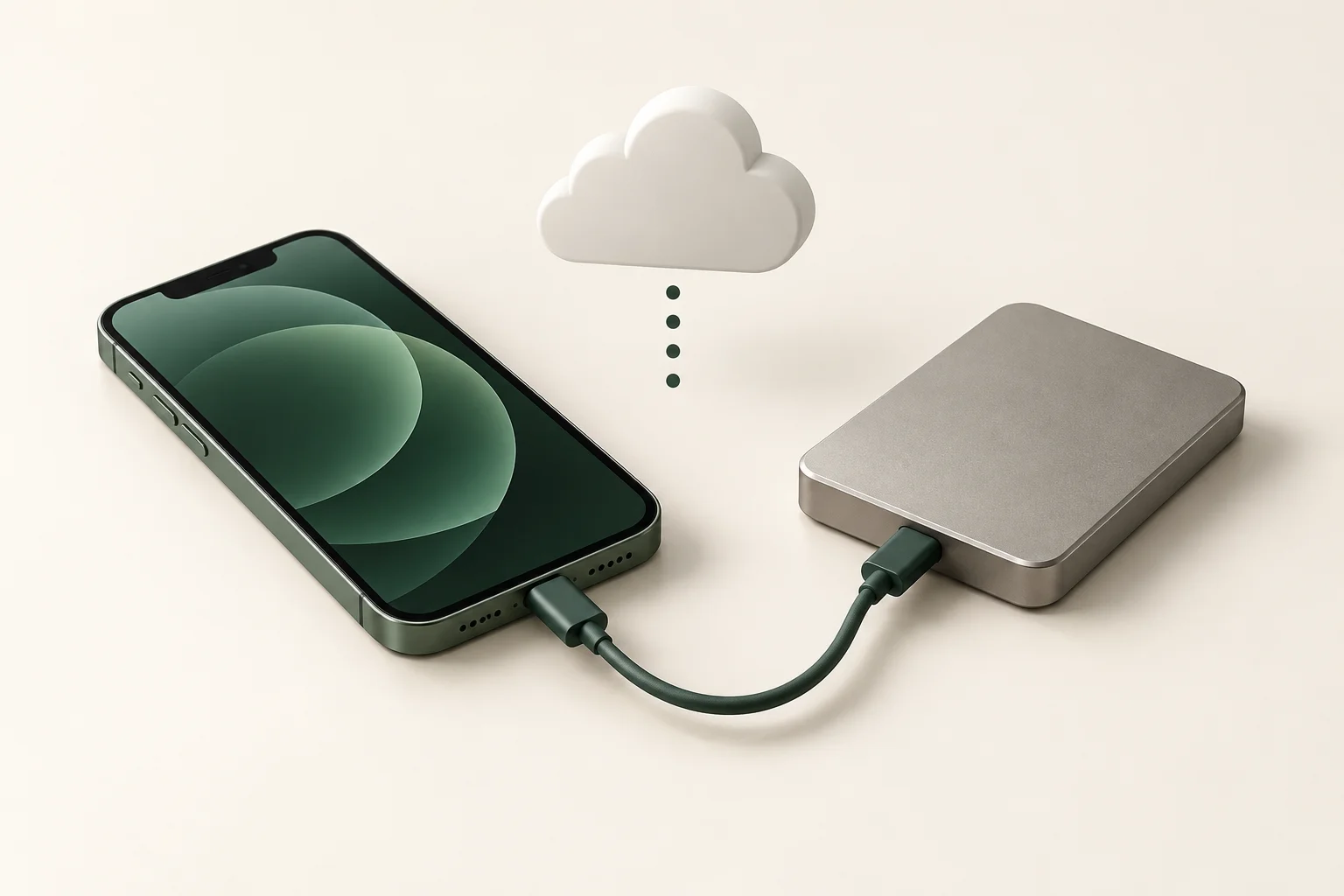
A few minutes of preparation can make a repair visit easier, especially when your phone holds important photos, contacts and work information. This checklist covers the conversation to have before handing over an iPhone or Google Pixel at our Beltline repair shop.
If your device will not turn on or you cannot use the screen, tell us. Some preparation steps may not be possible. Describe what you can and cannot access rather than trying to complete every step at any cost.
Check your backup before your appointment Where the phone is usable, make a current backup and check that the information you care about is included. A repair is not a backup service, and keeping an existing backup gives you another way to recover your information if a reset becomes necessary.
Apple recommends backing up an iPhone or iPad before service. Google's Pixel guidance also recommends a backup before every repair, including when Repair Mode is used. Ask the shop whether the proposed work could require a reset or affect access to your data before you approve it.
Keep account credentials private Do not put your Apple Account password, Google password, recovery codes or device passcode into our booking form, chat or a public review. Apple advises keeping credentials private and remaining present if you need to enter them during support.
For a compatible Pixel, Google offers Repair Mode so technicians can work in a restricted environment. Availability depends on the device and software. It does not replace a backup or guarantee that every repair can be completed without a reset. Follow Google's current instructions and discuss the repair requirements with the technician.
Describe the problem clearly Include the exact device model, what stopped working, when it happened and whether the phone has already been repaired. If your main concern is recovering data rather than getting the device working again, say so at the start. We can discuss the assessment before agreeing to work.
For a charging issue, ask whether to bring the cable or charger involved. For screen damage, describe whether you still have a picture and whether touch input works. Avoid including personal screenshots unless they are needed and you have removed private information.
Confirm the visit and the quote An online request to Phone Repair is not a confirmed appointment until our team contacts you. Before travelling, confirm the time, parts availability and any diagnostic fee. Diagnosis is included with an approved repair; otherwise a $25–$45 fee may apply, including when a device is non-repairable.
Our shop is at 224B 13 Ave SW, Calgary. Request a visit or call (368) 996-8990. For opening hours and directions, see About Us.
Manufacturer checklists Apple: prepare your iPhone or iPad for service.
Google: use Repair Mode for Pixel repairs.
These manufacturer instructions may refer to their own repair networks. Phone Repair is an independent local shop; confirm the preparation needed for your particular repair with us.