
Audio problems
Quiet calls or crackling audio? Phone speaker checks in Calgary
Describe which sounds are affected before booking a repair: calls, speakerphone, videos and recordings can behave differently.
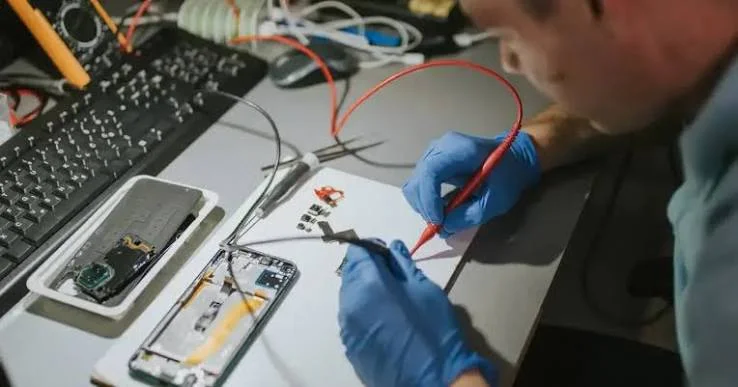
If calls are difficult to hear but music sounds normal, describing both results is more useful than saying the phone has no sound. The first step is to narrow down when the problem appears.
Compare the situations Try an ordinary call, speakerphone and a saved video at a comfortable volume. Check whether audio is going to a connected Bluetooth device. If the issue is that the other person cannot hear you, tell the technician that clearly: microphone problems and speaker problems are different symptoms.
On iPhone, Apple recommends checking sound settings and whether a case or protector blocks the speaker or receiver. For surface dirt, its guidance is a small, clean, dry, soft-bristled brush. Do not push needles into openings or pour cleaning liquid into the phone.
Separate reception from repeatable faults Crackling on only one call can be difficult to diagnose. Note whether it happens with different callers and in different locations. Apple notes that reception or network problems can affect call sound. A saved video provides a useful comparison because it does not depend on the same call connection.
If trouble started after a drop or liquid exposure, mention that before anyone recommends cleaning or replacing a part.
Bring a clear description Write down the model, affected sound, when it began and checks already tried. Ask what the quoted work includes and how sound will be checked afterward. If the fault comes and goes, avoid claiming a permanent fix based on a single successful call.
Phone Repair in Calgary’s Beltline can assess repair options for your device. Send your model and symptoms, or call 368-996-8990 before visiting 224B 13 Ave SW.
Source: Apple’s speaker troubleshooting.