
Repair transparency
iPhone Parts and Service History: questions to ask your repair shop
Understand what repair-history labels can tell you and what to confirm before choosing a replacement part.
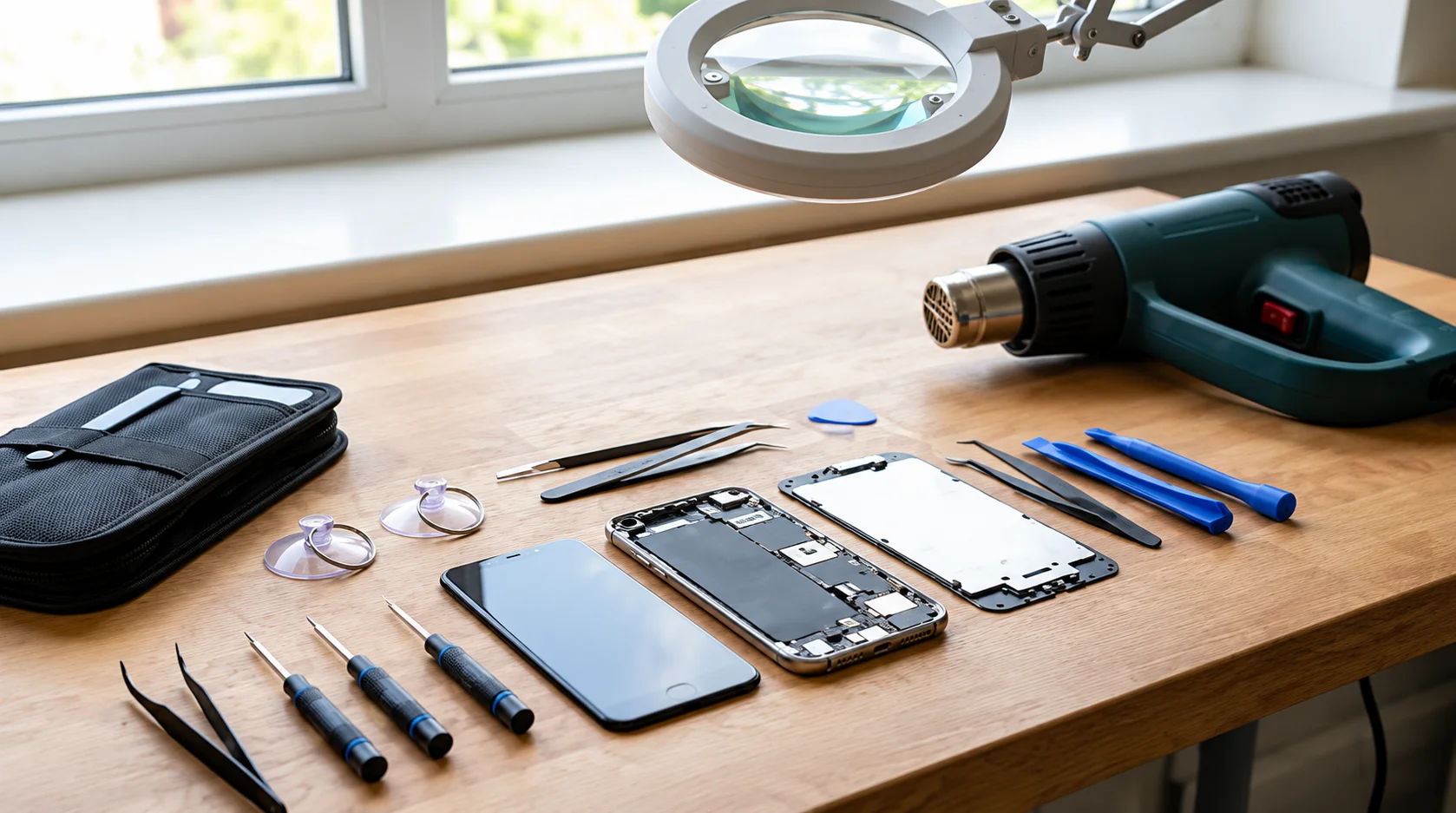
When comparing iPhone repair quotes in Calgary, ask more than the final price. The part type, repair process and expected on-device messages should be clear before you approve the work. Parts and Service History can help you ask informed questions.
Find the repair information Apple says that on iOS 15.2 or later, Parts and Service History can appear under Settings, General, About after a repair. The components shown depend on the iPhone model. It is not a complete record of every event in a phone's life, and Apple says only the most recent service appears if a part has been serviced more than once.
Ask what a label means Labels can include Genuine, Used, Unknown or Unverified, depending on the component and circumstances. An Unknown label can have more than one explanation, including a nongenuine part or a part not functioning as expected. Ask the technician to explain the particular message rather than treating one word as a full diagnosis.
Get the quote in plain language Ask whether the proposed component is new, used, refurbished or aftermarket, and what the supplier description actually means. Ask about calibration, expected feature limitations, available warranty and the final cost with applicable taxes. A vague label such as “premium” does not answer those questions by itself.
Save your invoice and the agreed description of the repair. If the outcome differs from what was explained, contact the shop with the repair reference and the message you see.
Phone Repair is an independent business at 224B 13 Ave SW in Calgary's Beltline. Request a model-specific quote or call 368-996-8990. Our screen quote guide explains more points to compare.