
Screen troubleshooting
iPhone tapping by itself? A Calgary guide to ghost touch
Random taps and missed touches need a careful diagnosis. Try these simple checks before requesting an iPhone screen repair.
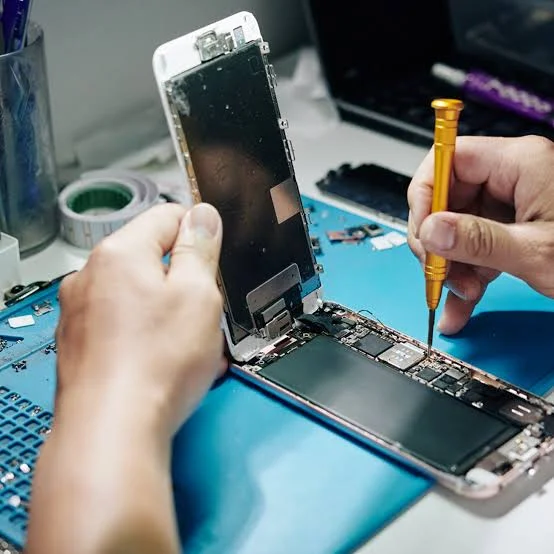
A phone opening apps without a tap is frustrating, especially when you need directions or work messages. People often call this “ghost touch.” It describes the symptom, rather than proving that one particular part has failed.
Start with simple checks For an iPhone with an intact screen, Apple recommends restarting, making sure the screen is clean and dry, disconnecting charging accessories, and removing the case or screen protector. If the problem disappears when unplugged, try a different compatible cable, charger and outlet. Do not peel damaged glass or press down a lifting screen.
Record the pattern Does the problem affect the whole screen or just one strip? Does it happen while charging, in one app, or even on the lock screen? Mention a recent drop, liquid exposure or previous screen replacement. A short video taken on another device can help explain an intermittent fault without giving someone access to your messages.
Avoid repeatedly entering your passcode if the screen is selecting the wrong numbers. If you can still operate the phone reliably, make a backup before service.
What to ask before approving a repair Ask whether the quote includes diagnosis, the proposed screen type, labour and applicable taxes. Explain any additional faults so the assessment covers them too. A replacement screen should not be promised as the solution before the device is checked.
For iPhone touch-screen repair enquiries in Beltline, contact Phone Repair at 224B 13 Ave SW, Calgary. Request a quote with your model and symptoms or call 368-996-8990. Parts and turnaround time depend on the model and assessment.
Source: Apple’s screen troubleshooting guide.