
Display diagnosis
iPhone screen black but still ringing? What to note before repair
A dark display and a completely unresponsive phone are different symptoms. Gather useful clues before approving a repair.
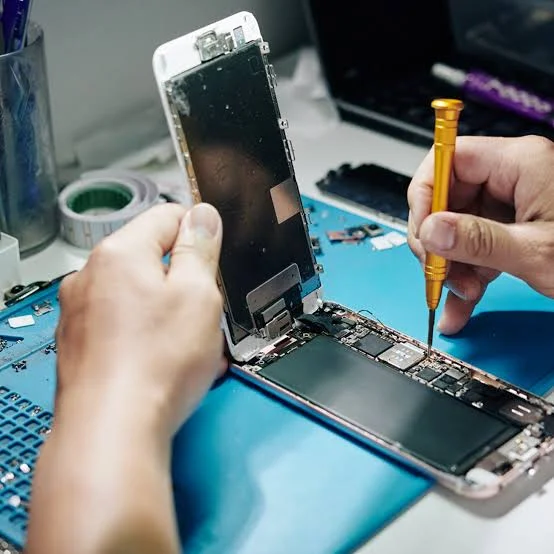
If your iPhone rings but the screen stays black, tell the repair shop exactly that. Sound or vibration is useful information, but it does not establish which component has failed. A display, power or software issue needs assessment before a repair can be recommended.
Notice what still works Without repeatedly tapping a screen you cannot see, note whether the phone rings when called, vibrates or makes its usual notification sound. Explain whether the display went dark after a drop, during charging or without an obvious event. Do not press on broken glass to try to bring the image back.
Use the correct restart guidance Apple provides different force-restart instructions for different iPhone families. Follow its guide for your exact model rather than guessing a button combination. A force restart is different from erasing or restoring the phone. If the device is dry, undamaged and shows no unusual heat or swelling, Apple's guide also includes charging checks when it will not turn on.
Protect the information you need Before authorizing a restore or reset, explain whether there are photos or files that have not been backed up. Ask whether the first assessment can focus on identifying the fault without erasing the device. No shop should promise that data will definitely be recoverable before assessment.
Request a useful quote For an iPhone black-screen enquiry in Calgary, include the model and what still works. Ask whether the quote is for diagnosis, a display replacement or another confirmed repair, and what testing is included afterward.
Contact Phone Repair in Beltline, 224B 13 Ave SW, or call 368-996-8990. If files are your priority, our data-recovery questions can help you prepare.
Source: Apple’s unresponsive iPhone guide.